
Logging into Brightspace
From the College's home page, click the orange MySUNYOrange at the very top left, or go directly to http://my.sunyorange.edu

If you are having trouble logging into MySUNYOrange, refer to MySUNYOrange Login Information.
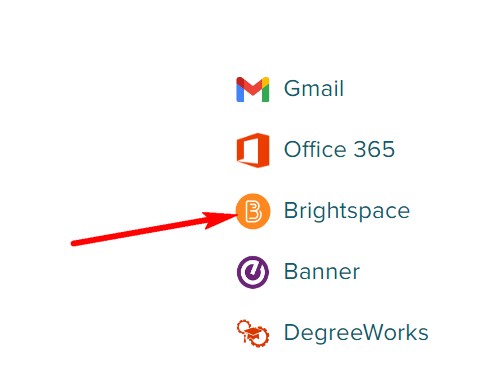
Once you have logged in, click the "Brightspace" button to access your online, hybrid or web-enhanced courses:
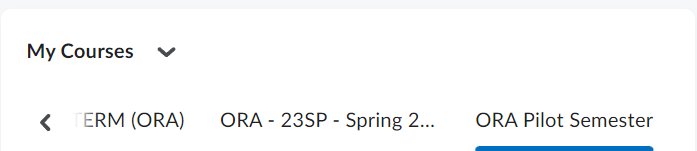
From your Brightspace Home Page, look in the My Courses box and click the link for the course you want to access.
You can also view your courses for the semester by clicking on the waffle. The waffle is located on the top right of the brightspace home page.

Look for information from your instructor once you have logged into the course.
If you need assistance with your Brightspace course, you can contact the
SUNY Online Help Desk at 1-844-673-6786.
